How to Choose a Web Stack for a Client Project
How to choose a web stack for a client project. Match WordPress, Laravel, or Astro to the job, then pick hosting and tools that fit.
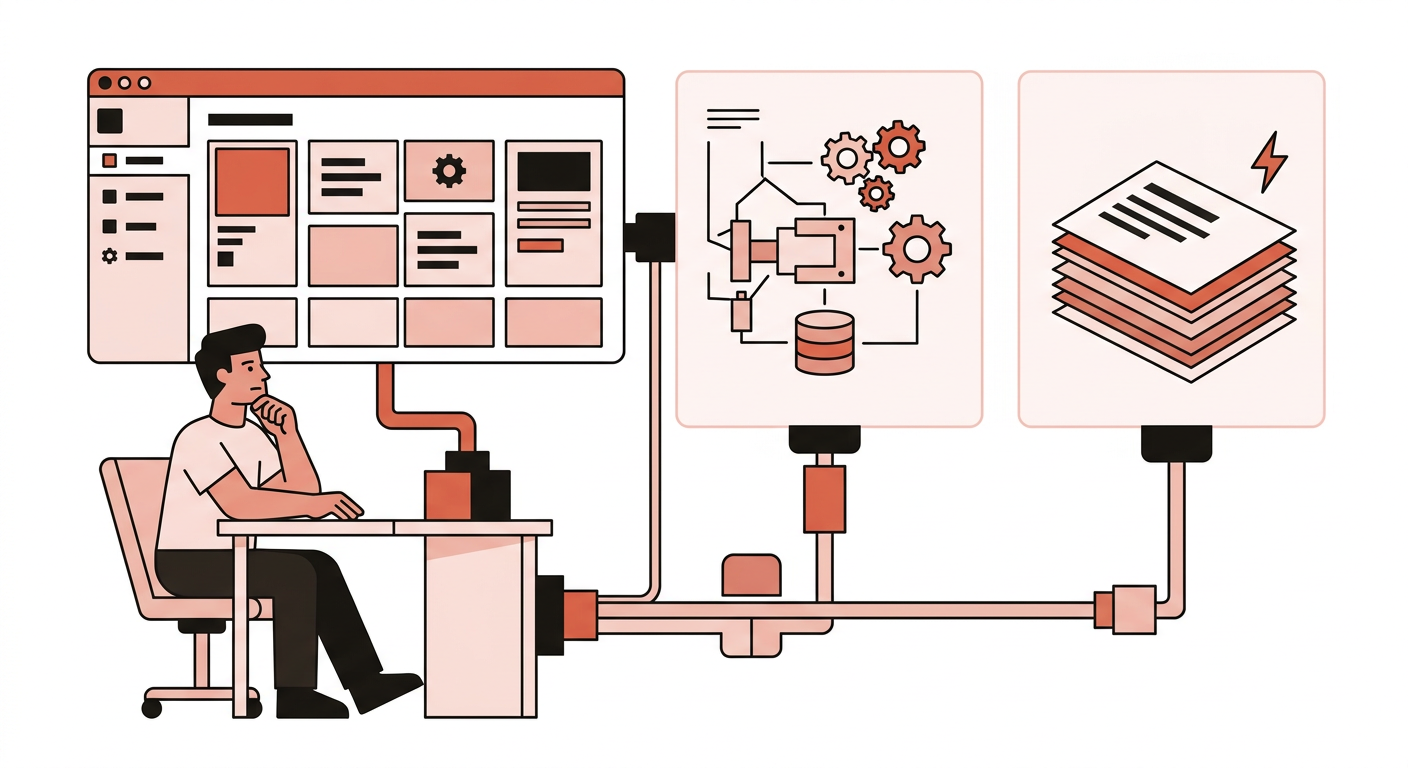
Are you still using WordPress for every client project, and hosting it wherever the price looks reasonable?
I did that for years. I learned how to set up WordPress fast, then figured that was enough. Why learn how to choose a web stack if WordPress already ships a site?
I had the same thought process, and it turns out there was more to it, especially if you value efficiency in both your website and your work.
A web stack is a bundle of software and tools used together to run a website.
I learned it the hard way by using WordPress as the foundation for all my client projects and trying to bolt other technologies onto it: a React web app, or a custom CMS setup. It was a nightmare maintaining it.
The fastest way to make a new project miserable is picking a stack because it is interesting.
I have been shipping client sites for over a decade on WordPress, Laravel, and Astro. The stack that works is the one that matches the job: who edits the pages, whether this is a website or an app, and who will still be around when a plugin update breaks the website.
Choosing the right web stack helps you and your client in the long run. It also helps you price the project around the right tools instead of fighting them.
Ask these questions before you pick a framework
Like any project, be it woodwork, construction, or graphic design, picking the right tools makes the job easier to work with.
Start with the maintenance model:
- Is this mostly content, or mostly an application?
A brochure, blog, or campaign site is content. A quoting portal, membership with custom rules, or booking engine is an application.
Most of my clients rely heavily on SEO. I would pick WordPress, Astro, or Eleventy instead of forcing my way to a React app just because instant navigation feels better UX-wise.
- Who edits it after launch, and how often?
If the client will log in weekly, they need a browser admin. If you keep a retainer and publish from Git, a CMS is optional.
I can build websites faster and optimize them better with Astro, but forcing my client to adapt to writing in markdown files isn’t right, even if I’m on a retainer.
- Who answers the phone in 18 months?
If that is you, pick what you can patch. If that is the client’s cousin, pick WordPress even when Astro would be faster.
I have spent more time updating a legacy Laravel website my client has bought than all the combined WordPress sites I manage.
- What is the real budget for hosting?
The budget for hosting affects the choices you make on the questions above.
For example, Astro sites can be hosted for free, but if a website needs WordPress, decent web hosting is required. Do not host WordPress on a sketchy free web hosting.
There’s also the question of who will be maintaining the server or administrating the web host. If you know what you’re doing, you can minimize expenses by choosing DigitalOcean or Hetzner. If you don’t know how to set up a LAMP or LEMP stack, you’re better off with a managed hosting like Kinsta, WP Engine, and Laravel Forge.
If you only need to remember one thing:
- Content + non-technical editor → WordPress.
- Content + you publish → Astro.
- Custom app → Laravel.
- Hosting and plugins come after.

WordPress vs Laravel vs Astro
Pick the best tool for the project at hand. In most cases, you will only need WordPress, Laravel, or Astro on any type of website. I would only pick other frameworks or tools for niche projects like web apps and games.
| WordPress | Laravel | Astro | |
|---|---|---|---|
| Best at | Editing in a browser, plugins | Custom business logic | Fast content sites, tiny JS |
| Who edits | The client, in wp-admin | You, in code (or a small admin you build) | You, in Git/MDX — or a headless CMS |
| Typical host | Managed or shared WP | VPS (Hetzner, DigitalOcean) | Cloudflare Pages, Netlify |
| Skip when | The site is static and you publish it | It is a brochure pretending to be an app | The client must edit daily with no CMS |

WordPress
Use it when the admin is the product: pages, posts, a store, a membership, a team that already knows wp-admin. Pair it with Advanced Custom Fields for structured content (menus, staff, listings) instead of piling on page-builder modules. Paid Memberships Pro when you are actually selling access.
Skip it when you would spend more time fighting the plugins and WordPress core than building the features.
You will know WordPress is the right tool if you only need to build features around it, rather than modifying WordPress to work around an important feature.
Laravel
Use it when the rules are the product:
- custom solutions
- heavy customizations
- custom CMS and dashboards
- anything a plugin would only half-solve
Skip it for marketing, blog, and micro sites. You don’t need to build another CMS. You will end up spending a lot of time and money on maintenance for both website and server.
Astro
Use it when the site is content-first and you want it fast: marketing, docs, blogs, this website. Host it on Cloudflare Pages. Add islands only where applicable: dynamic web apps, widgets, interactive UI components like forms and live pricing.
Skip it when the client regularly updates and tweaks the website on their own. In that case, use WordPress instead.
A combination of a headless CMS (e.g. Contentful or headless WordPress) and Astro works well when your client wants to edit the content on an intuitive UI while benefiting from Astro’s features. But you are now maintaining two systems instead of one.
Common web stack examples
Here are some of the most common types of projects and their ideal stack.

Marketing or brochure site
A marketing or brochure site consists of a few pages, mostly landing pages. Ensure that the framework you are going to use allows you to create unique page designs easily.
Client edits copy:
- Framework: WordPress
- Web host: SiteGround, Hostinger, HostGator, Bluehost
- Extras: Advanced Custom Fields, Cloudflare
- Avoid: Expensive managed web hosting for now
Site is rarely updated:
- Framework: Astro, Eleventy, HTML + CSS
- Web host: Cloudflare Pages, Netlify
- Avoid: Overengineering and paid services - unless the website grows
Blog or content site
Minimal landing pages required, the rest are templates for articles, categories, archive, etc.
Client or an editorial team publishes:
- Framework: WordPress
- Web host: Kinsta, WP Engine
- Extras: Yoast, Cloudflare
- Avoid: Entry-level web hosting
You publish:
- Framework: Astro
- Web host: Cloudflare Pages, Netlify
- Extras: @astrojs/sitemap, astro-seo
Hybrid: Client publishes, you build the front-end
- Headless CMS: Contentful, Sanity, Strapi, Headless WordPress
- Front-end framework: Astro, Gatsby
Membership or gated content
The requirements dictate what framework is ideal for a membership or gated website.
Gated blog:
- Framework: WordPress
- Web host: Kinsta, WP Engine
- Extras: Paid Memberships Pro, payment gateways, Yoast, Cloudflare
- Avoid: Entry-level and cheap web hosts. You don’t want to compromise reliability when customers are now paying you for exclusive access.
Gated, heavily customized website and logic:
- Framework: Laravel
- Web host: Laravel Forge, Hetzner, DigitalOcean, AWS
- Extras: Cloudflare, Cloudflare R2 (for CDN-hosted storage)
- Avoid: WordPress. Working around it to build the required features costs more in the long run.
Custom app or client portal
A client portal is a private website where a company’s customers can log in to view company and user data.
- Framework: Laravel backend, Astro front-end
- Web host: Laravel Forge, Hetzner, DigitalOcean, or AWS for backend. Cloudflare Pages or Netlify for the Astro front-end.
The front-end and backend split is optional.
E-commerce and online stores
Once customers are making transactions over the internet, do not compromise security and reliability over cost.
Normal catalog:
- Framework: WooCommerce on WordPress, Shopify
- Web host: Kinsta, WP Engine, Shopify
- Extras: Yoast, Advanced Custom Fields, Cloudflare
Custom pricing logic:
- Framework: Laravel
- Web host: Laravel Forge
- Avoid: Astro
Personal site or portfolio
A personal site or portfolio implies that you or the client is just starting out. Pick the best option that won’t cost you or the client anything, except for the domain name.
- Framework: Astro
- Web host: Cloudflare Pages, Netlify
Pick a host that matches the stack
Framework first, host second. Comparing Hostinger to Hetzner as if they were the same product is how beginners get stuck.

-
Astro or static sites: Cloudflare Pages or Netlify.
-
WordPress, cheap, low traffic: Hostinger, SiteGround, Bluehost, or HostGator.
-
WordPress that must stay up: Kinsta or WP Engine. You are buying isolation, reliability, and a support desk.
-
Laravel: Laravel Forge when you’re not comfortable setting up a server. Hetzner when price and bandwidth matter. DigitalOcean when you need more server options. Skip AWS. It is too expensive for small business websites.
| Host | Best for | From | What to budget |
|---|---|---|---|
| Hostinger | Budget WordPress | $2.99/mo intro (48-mo prepay) | Renews ~$10.99/mo |
| SiteGround | Budget WordPress | $2.99/mo StartUp intro | Renews ~$17.99/mo (GrowBig $4.99 → $29.99) |
| Bluehost | Budget WordPress | $3.99/mo intro (36-mo) | Renews ~$9.99–$11.99/mo |
| HostGator | Budget shared | $3.75/mo Hatchling intro (36-mo) | Renews ~$10.99/mo |
| Kinsta | Client-critical WordPress | $35/mo ($30/mo annual) | No intro/renewal cliff |
| WP Engine | Agency | From $30/mo* | *First-year; renewals can change |
| DigitalOcean | Laravel | $6/mo (1 GB Droplet) | $24/mo for 4 GB |
| Hetzner Cloud | Laravel | Usually under DO at same RAM | Verify SKUs on hetzner.com — prices moved in 2026 |
| Cloudflare Pages | Astro or static | Free | Workers Paid $5/mo if you need it |
| Netlify | Astro or static | Free tier | Pro $20/mo |
Add tools only when the job needs them
These are toppings. They do not pick the framework for you.
- CSS: Tailwind for a custom UI you are building. Bootstrap for a conventional admin or a theme that already uses it. Pick one. Hand-written CSS is fine when the design system is small.
- Motion: GSAP is free for commercial work now, use it for complicated animations. Three.js to render 3D on your pages.
- Charts: Observable Plot when you want D3-quality defaults. D3 when Plot cannot do it. Chart.js when you need it quick and simple.
- Data: MySQL with WordPress and Laravel. Supabase when working with front-end frameworks like Astro.
- Files: Cloudflare R2 when you need object storage with a free tier and no egress fees (media, downloads). Supabase Storage when files follow logged-in users.
- Payment: Stripe, Gumroad when Stripe isn’t available in your region.
- Observability: Sentry for errors. Axiom for logs you will query. See how to debug a website fast.
- Advanced Custom Fields Pro: Extends WordPress functionality by creating and displaying custom fields anywhere that you need it.
- Paid Memberships Pro: The best membership plugin for WordPress when you need paid access.
- WPML: Translate your WordPress site to different languages.
What I would not do
- Learn a new framework on the client’s clock. A new, popular framework can still be a bad fit for the project. Work with the tools you’re already an expert with. The combinations above are my personal recommendations only. No one is stopping you from building a 5-page static site with Laravel, hosted on AWS.
- Pick the cheapest shared web hosting for any project. Picking the cheapest option to save cost may bite you in the long run if you’re spending more time maintaining, troubleshooting, and worse, moving from web host to web host.
- Go headless because it feels like modern development. Technology changes fast. New ways to build a website keep showing up. Old frameworks still ship real client work.
- Overengineering. It’s cool to showcase what you can do on a website: liquid glass, neat animations, animated 3D backgrounds, complex automations. But does the website really need it? On a blog for example, SEO is non-negotiable, you will only hurt page speed if the website is bloated with unnecessary UI libraries. That goes with complex and rigid automation pipelines - to get rid of manual work. If a requirement changes that affects the pipeline, you will find yourself spending more time refactoring and testing it, which in turn halts the website operation. Only add the things the project requires.
The bottom line
Choose the stack based on the job at hand: content vs app, simple vs complex, and who manages it after you turn it over. WordPress, Laravel, and Astro should be enough for most projects. The wrong stack is the one that fights the next two years of maintenance.
Start with the smallest recipe that fits. An eight-page restaurant site does not need a headless setup, a membership plugin, and a custom app layer. You can always rebuild a marketing site from WordPress onto Astro later, move WordPress to Kinsta when shared hosting wheezes, or move a quoting tool into Laravel when the spreadsheet stops working.
Going the other way is harder. You cannot easily convince a client to go manual because you overengineered it in the first place, and you will spend months untangling a “modern” stack the client never asked to maintain.
Price the project around that choice. A boring WordPress build on a host you trust is often cheaper to ship and cheaper to keep alive than a clever stack that needs you every time a content changes. Novelty is a maintenance bill. Pick the boring option you can still patch in the long run.
More articles on building websites in the build hub. When the website is live, you might want to learn how to debug websites faster.
Frequently asked questions
What is a web stack?
A web stack is the bundle of software that runs a website: the framework, the host, and the extras you actually need. I mean that combination in practice — WordPress plus a host plus plugins, or Astro on Cloudflare Pages.
How would I know what stack to choose?
Start with four questions: is this mostly content or an application, who edits it after launch, who maintains it, and what you can really spend on hosting. Content plus a non-technical editor is WordPress. Content you publish yourself is Astro. Custom business logic is Laravel. Host and plugins come after that choice.
What is a headless CMS?
A headless CMS is a content admin that stores pages and posts and serves them through an API. The public site is a separate front end, usually Astro. Editors still work in a browser. You are now maintaining two systems instead of one. Use it when the client needs a dashboard and you still want a fast public site.
Is there a stack I can use for any type of projects?
No. I tried using WordPress for every client job and spent years forcing other tools onto it. WordPress, Laravel, and Astro cover most of the work I see, but each one still has a job it is bad at. A brochure does not need Laravel. A quoting portal does not need WordPress plugins glued together.
What about page builders like Webflow?
Webflow is a hosted page builder with a visual editor. Treat it like WordPress for marketing sites when the client wants to move boxes in a browser and you are fine on their hosting. Skip it for custom business logic, or a site you publish from Git. I do not use it as a default.
Do I need Supabase, Docker, and Kubernetes?
No. Supabase is a back end for JavaScript apps that are not Laravel. Docker is how I run Laravel the same way on my laptop and a VPS. Kubernetes is for teams with many services and a platform to run them. A brochure site does not need any of that. Add them only when the job actually requires it.

Keep reading
How to Make a Custom WordPress Theme: Theme Files Essentials
How to make a custom WordPress theme: the files you need, template hierarchy, the Loop, and how starter themes like Underscores fit.

Learn WordPress: An Essential Guide For Complete Beginners
Learn WordPress from scratch: pick a domain and host, install it, then use themes, plugins, and menus to launch a beginner site.
Comments