This article contains affiliate links. If you buy through them, I may earn a commission at no extra cost to you. Full disclosure.
Cursor vs Claude Code vs Windsurf: Which AI Tool Actually Ships Client Work?
Cursor vs Claude Code vs Windsurf: an honest comparison for freelancers. Discover which AI coding tool actually ships production client work in 2026.
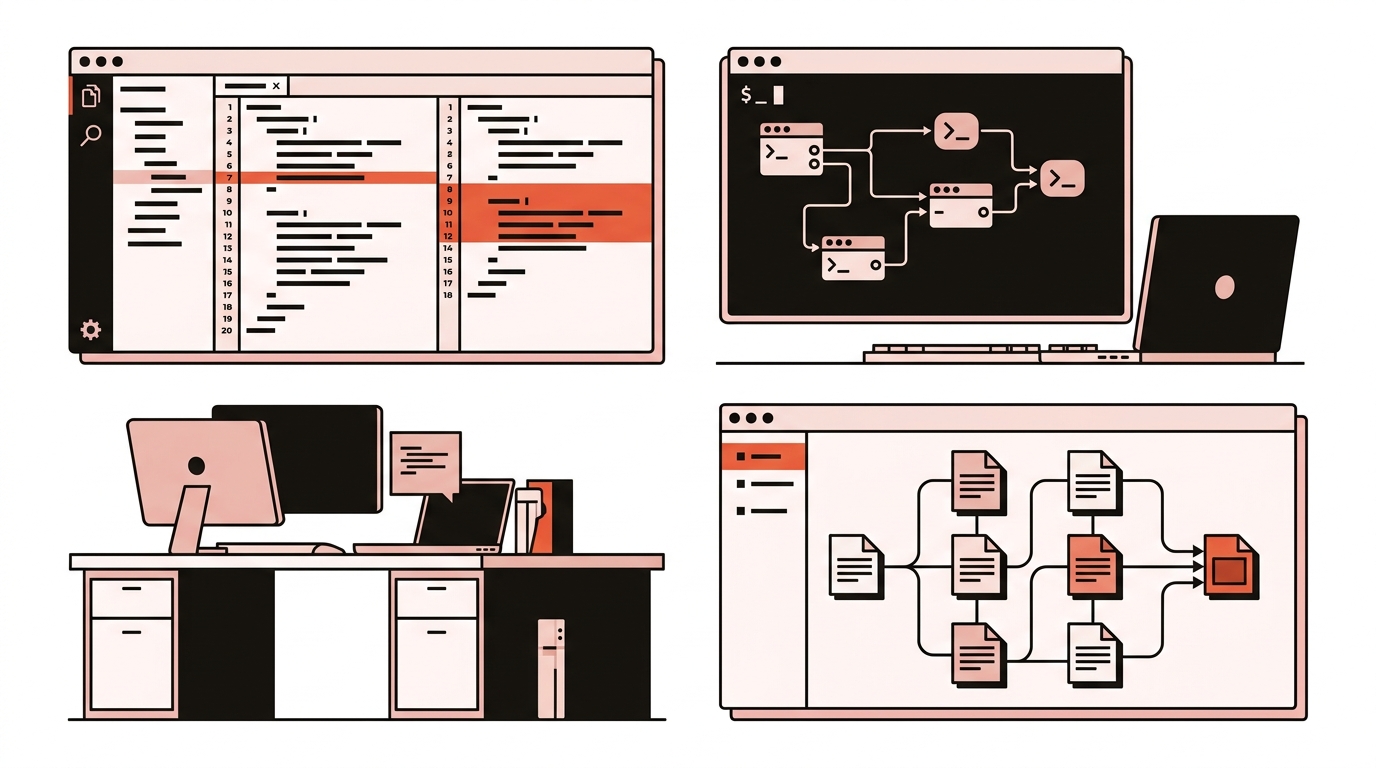
I have spent thirteen years building and delivering client websites. Over the past year, the debate around cursor vs claude code and Windsurf has moved from experimental toys to the core of daily billable work. When a client deadline is forty-eight hours away, you do not care about synthetic benchmarks or Twitter demos. You care about whether a tool writes clean diffs, respects your existing codebase, and avoids introducing quiet bugs that cost you an entire weekend to track down.
Heads up: some links in this guide are affiliate links. If you sign up through them, I earn a commission at no extra cost to you. This is how I keep these deep dives independent and free of sponsored placements.
The 2026 split: three distinct tools for three distinct jobs
A common mistake is treating these tools as direct substitutes. In 2026, AI coding tools have split into three distinct operational models:
- Cursor: An AI-native IDE (built as a VS Code fork) designed around fast autocomplete, inline diff editing, and tight developer supervision.
- Claude Code: A terminal-based autonomous agent that lives in your shell, executing commands, running test suites, and handling large-scale repository refactors.
- Windsurf: An AI-native IDE focused on persistent context flows and proactive multi-file agent execution through its Cascade engine.
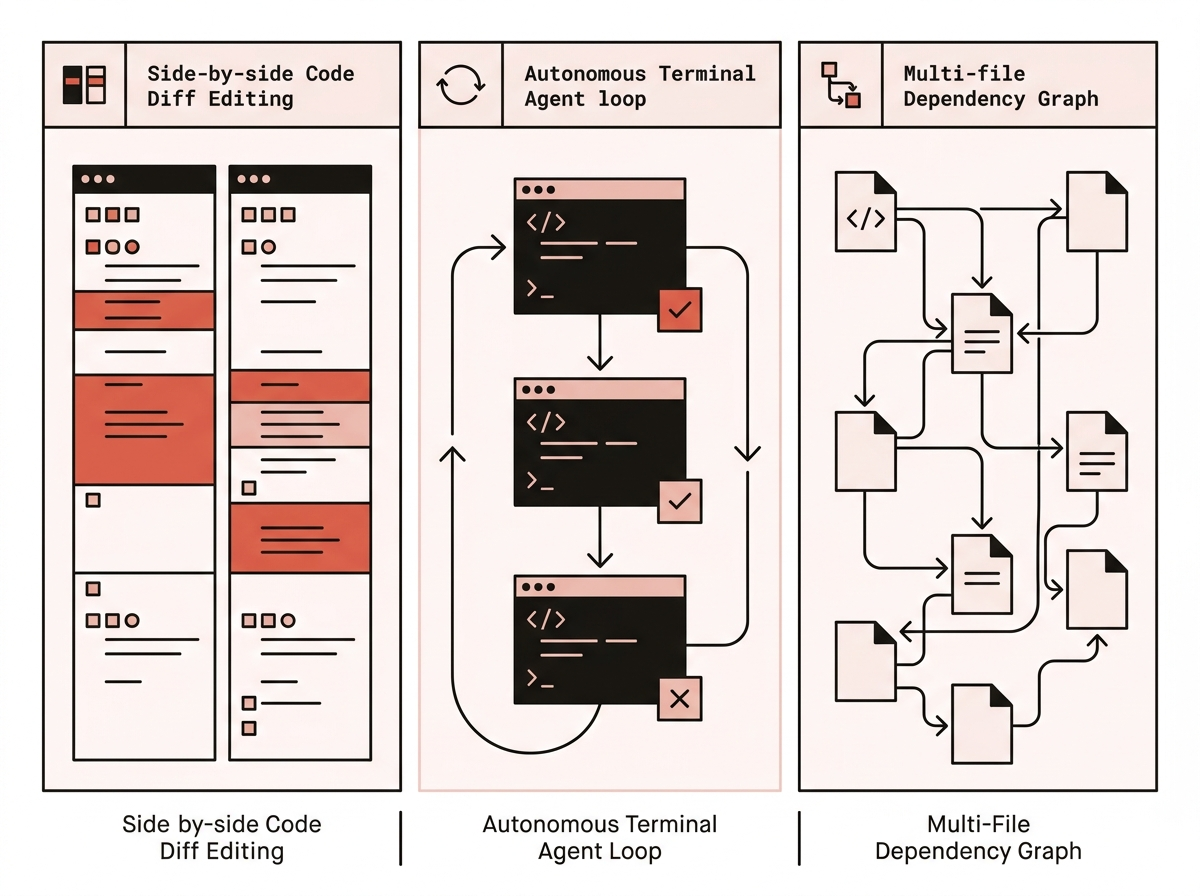
Each tool approaches your code from a different angle. Choosing the right one comes down to what you are trying to ship today.
Scenario 1: Fast UI tweaks and frontend refactoring (Cursor)
When I am building responsive layouts, adjusting CSS grid components, or refactoring React and Astro templates, Cursor remains my primary workstation.
Why Cursor wins in the editor
Cursor’s multi-file Composer and Tab autocomplete feel like a natural extension of your hands. When you press Cmd+K or open the Composer panel (Cmd+I), Cursor pulls context from your open tabs and cursor position to suggest precise, localized edits.
- Granular diff review: You see every changed line in red and green directly in your editor gutter before accepting.
- Instant autocomplete: Cursor Tab predicts your next edit across multiple lines, saving thousands of keystrokes on boilerplate props and TypeScript interfaces.
- Model flexibility: You can toggle between Claude Sonnet 5, GPT-5.6 Sol, and other top models depending on the complexity of your prompt.
If a client sends feedback requesting five styling adjustments across three component files, Cursor lets you knock them out in fifteen minutes with zero risk of the AI modifying unrelated backend logic.
Scenario 2: Whole-repo refactors and test loops (Claude Code)
Where Cursor excels at the file level, Claude Code dominates at the project level. Because it runs directly in your terminal, it operates as an autonomous junior engineer with full shell access.
Why Claude Code wins in the terminal
When you run Claude Code in a client repository, it does not wait for you to highlight code. It reads your project structure, executes ripgrep searches, inspects relevant files, runs your test runner (npm test or astro check), and iterates until the command passes.
- Autonomous execution loops: Tell Claude Code to “upgrade this project to Astro 7 and fix all breaking schema changes.” It runs the build, catches diagnostic errors, edits the offending files, and re-runs the build until it exits with code zero.
- Massive context handling: Claude Code leverages Anthropic’s deep context architecture to reason across dozens of interrelated modules without dropping context midway.
- Headless background work: You can assign Claude Code a tedious migration task in a separate terminal tab while you continue designing the frontend in your editor.
The trade-off is visibility. You must trust the agent’s planning phase, and you need a solid Git workflow to review commits before pushing to staging. For a deeper look at running terminal agents on a budget, see my Claude Code vs OpenCode comparison.
Scenario 3: Persistent flows and scaffolded features (Windsurf)
Windsurf, created by the team at Codeium, takes a middle path between Cursor’s editor focus and Claude Code’s autonomy. Its signature feature, Cascade, uses persistent “AI Flows” to keep track of what you are working on without requiring manual @-symbol prompts for every file.
Why Windsurf wins on exploratory features
When you start scaffolding a new feature from scratch—such as adding a complete Stripe checkout flow with database webhooks and email notifications—Cascade builds an internal mental model of your architecture.
- Proactive context gathering: Windsurf monitors your terminal output, active files, and recent edits automatically, reducing the time spent manually tagging files.
- Supercomplete: Similar to Cursor Tab, Windsurf offers fast inline completions powered by Codeium’s proprietary indexing engine.
- Collaborative write mode: Cascade proposes multi-file changes and executes terminal setup steps within an integrated sidebar interface.
For developers who want agentic assistance without leaving their familiar VS Code UI, Windsurf offers a polished, coherent experience.
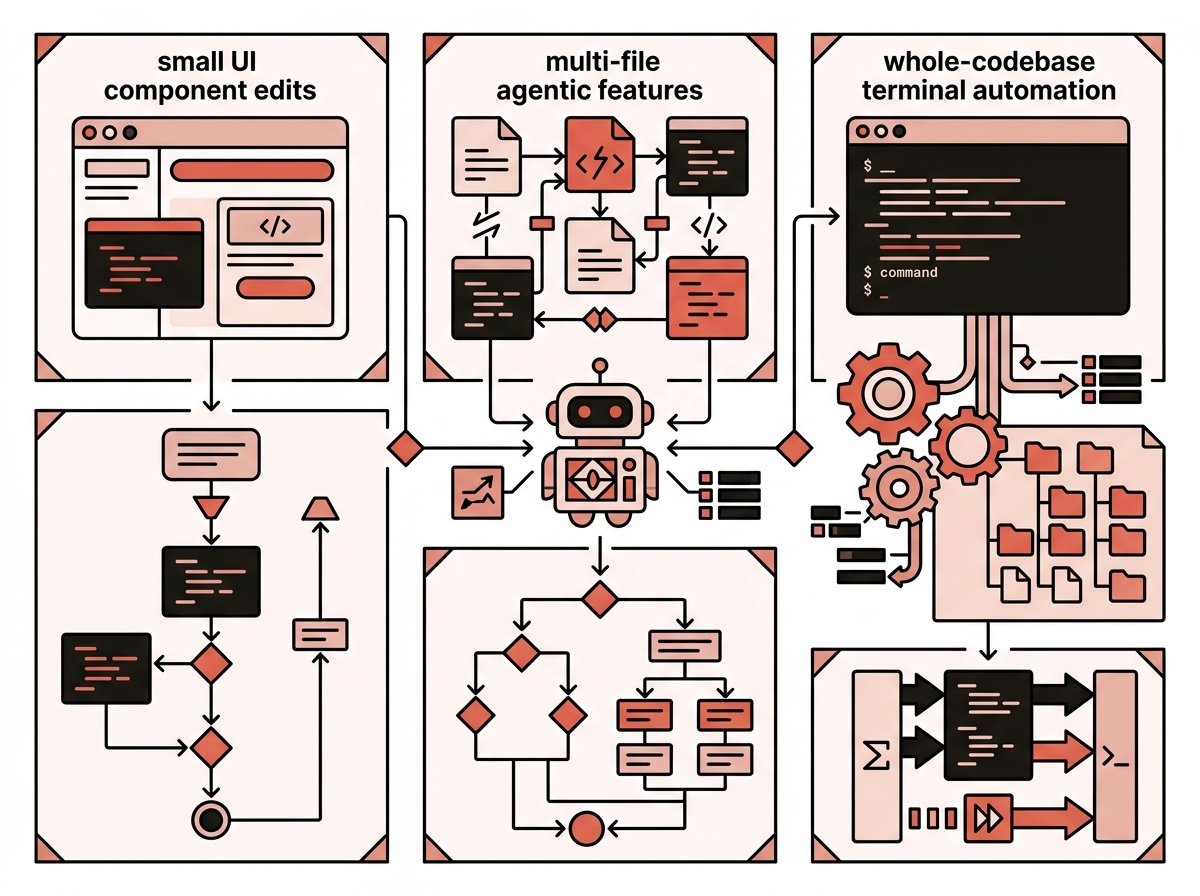
Best AI coding tool for freelancers: how to choose
To make an informed decision for your freelance practice, evaluate how each tool handles day-to-day client realities:
| Criteria | Cursor | Claude Code | Windsurf |
|---|---|---|---|
| Form factor | IDE (VS Code fork) | CLI / Terminal tool | IDE (VS Code fork) |
| Primary strength | Precise diffs & instant autocomplete | Autonomous repo-wide task execution | Proactive context flows & feature builds |
| Multi-file edits | Composer with manual diff review | Autonomous multi-file shell edits | Cascade agentic sidebar flows |
| Terminal integration | Standard integrated terminal | Native terminal execution loop | Integrated terminal with Cascade actions |
| Rules configuration | `.cursorrules` or `.cursor/rules` | `CLAUDE.md` | `.windsurfrules` |
| Pricing model | $20/mo Pro | Claude account / API token usage | Free tier · $20/mo Pro |
| Best client scenario | UI tweaks, CSS bugs, component restyling | Major migrations, test suite fixing | New feature scaffolding, clean starts |
Project rules: the secret to predictable client deliverables
No AI tool will ship clean client code if you let it guess your conventions. Every experienced freelancer maintains a strict rules file in their repository root:
- In Cursor:
.cursorrulesor.cursor/rules/ - In Claude Code:
CLAUDE.md - In Windsurf:
.windsurfrules
Tell the model your non-negotiable standards: “Do not use Tailwind classes on this project,” “All Astro components must use vanilla CSS in style tags,” or “Always run npm run check before declaring a task complete.” Setting clear boundaries cuts revision time in half. For more architecture tips, check out my guide on how to choose a modern web stack.
The honest verdict
If you want the simplest, most effective setup for client work in 2026:
- Use Cursor as your daily driver. Its autocomplete and visual diff controls keep you fast and safe during standard development and UI tasks.
- Add Claude Code for heavy lifting. Keep it open in your terminal for multi-file upgrades, database migrations, and stubborn test errors that would take you hours to resolve manually.
- Try Windsurf if you want proactive agent flows in an IDE. If you prefer an agent that takes the wheel on multi-file scaffolding without dropping into the command line, Windsurf is a strong alternative.
This hybrid approach gives you the speed of in-editor autocomplete alongside the brute-force problem-solving power of a terminal agent.
This article is part of my AI coding hub. For guides on debugging and maintaining client projects, explore the maintain hub and how to debug websites fast.
Frequently asked questions
Can I use Cursor and Claude Code together on the same project?
Yes, and many freelancers run this exact setup. You use Cursor as your visual editor for daily feature coding and instant autocomplete, while running Claude Code in the integrated terminal to handle big architectural refactors, run test suites, or execute multi-file migrations in the background.
Which tool is safest for client projects under strict NDAs?
Cursor and Windsurf offer dedicated privacy toggles that prevent code retention for model training on their paid tiers. Claude Code communicates directly with Anthropic's API where data retention policies apply, so you should check client agreements before running repository-wide terminal scans on proprietary codebases.
Is Windsurf Cascade better than Cursor Composer?
Windsurf's Cascade takes more autonomous initiative on multi-file feature scaffolding and dependency tracing. Cursor's Composer gives you tighter manual control and cleaner inline diffs. If you prefer reviewing every file change directly in the editor, Cursor feels more predictable for delicate client work.
How much do these AI coding tools cost per month?
Cursor Pro is $20 a month for standard fast requests. Windsurf Pro costs $20 a month with quota-based allocations. Claude Code uses your Anthropic account billing, either through monthly subscription tiers or pay-as-you-go API tokens that scale directly with your weekly prompt volume.

Keep reading

Claude Code vs OpenCode Go: Which is Cheaper for Client Work?
Claude Code vs OpenCode Go: an honest cost comparison. $100+ subscriptions vs $10/mo hosted models like DeepSeek v4 Flash — and when cheap stops being cheap.

Coolify on Hetzner vs Cloudways: The $5/mo VPS vs Managed Cloud for Client Sites
Coolify on Hetzner vs Cloudways: an honest cost and ops breakdown. $5/mo self-hosted VPS vs managed cloud for client sites, and when self-hosting bites.
Comments